

How to find the right laptop: a step-by-step guide
Stop guessing at specs. Use this guide to match a laptop to what your business actually needs.
Last updated: April 6, 2026
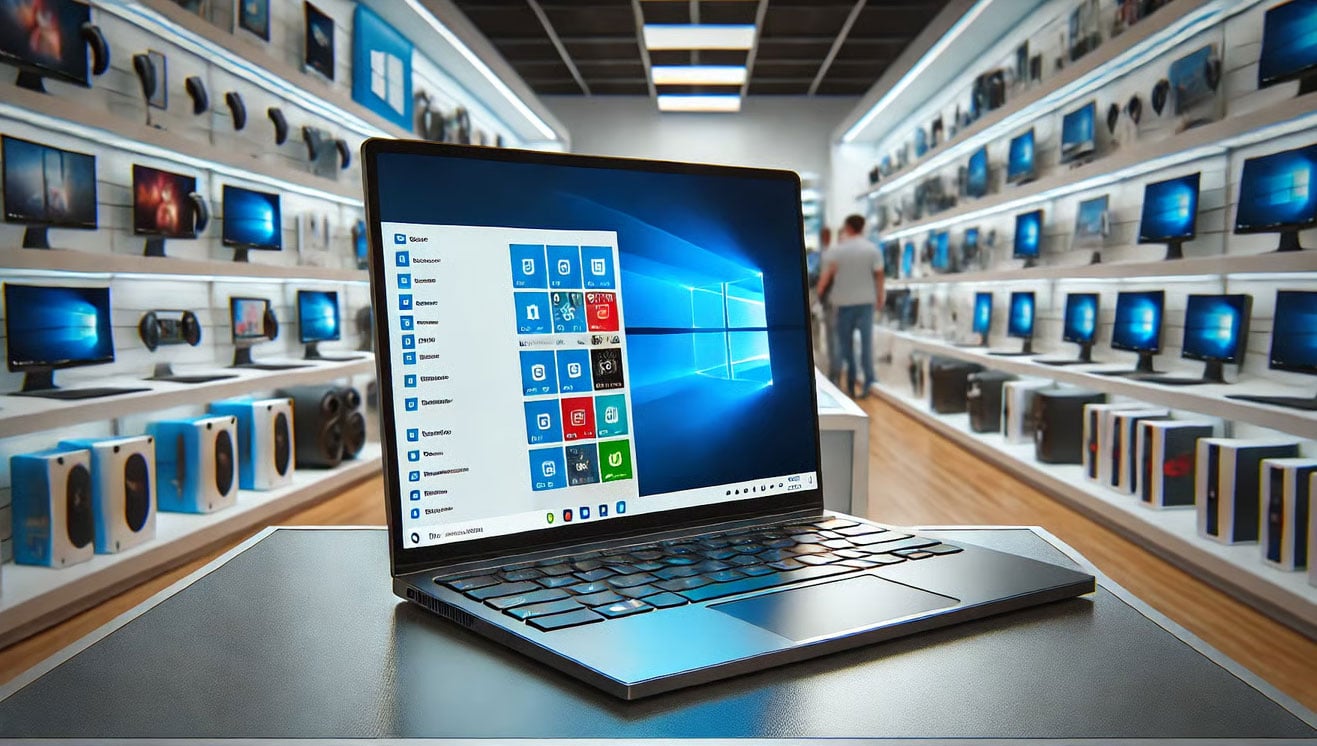
Choosing the right laptop for your business is a purchasing decision that affects daily productivity for three to five years. Get it wrong and your team is fighting their equipment from day one. With Windows 10 now past end of life as of October 2025, any laptop you buy today needs to run Windows 11 and be specced for the workloads your team is running right now, not the workloads they had two years ago. This guide walks through the decision in plain language so businesses in Lawton, Duncan, Altus, and across Southwest Oklahoma can stop guessing at specs and buy with confidence.
Start with your main purpose
Before looking at specific models, define why you need a laptop. For basic browsing and cloud-based work, a budget model is sufficient. For presentations, document-heavy tasks, and multitasking, choose something more powerful. For staff who travel between job sites or client locations, prioritize lightweight models with long battery life. Knowing the purpose eliminates most of the confusion before you ever enter a store or browse online.
Pick the right operating system
Decide on size and style
Screens in the 11 to 13-inch range are light and compact for employees who are frequently on the move. The 14 to 15-inch range offers the best balance of screen space and portability for general office use. Screens at 17 inches work best as desk replacements where portability matters less than screen real estate. You will also find 2-in-1 models that switch between laptop and tablet modes, and ultrabooks for users who need high performance without the extra weight.
Understand the key specs
Check the display and connectivity
Full HD at 1920 by 1080 is appropriate for most business use. Verify that the laptop includes the ports your team actually uses. USB-C with Thunderbolt, HDMI for external monitors, and a headphone jack are all worth confirming before purchase. Not every modern laptop includes all of these, and adapters add ongoing cost and friction that slow your team down.
Set a realistic budget
Budget laptops under $600 cover basic tasks reliably and are a reasonable starting point for light-use roles. The mid-range from $600 to $1,200 delivers solid performance for most business users and is where the majority of well-specced Windows 11 laptops sit. High-end laptops above $1,200 are justified for employees with demanding workloads, those in critical roles who need premium reliability, or MacBook buyers looking at the Pro line. Always verify the warranty before finalizing a purchase — business-class models from Dell, Lenovo, and HP often include extended or on-site support options that are worth the premium over consumer models sold at retail. A three-year warranty on a business laptop is a better investment than a one-year warranty on a cheaper machine that fails in year two.
Frequently asked questions
How much RAM does a business laptop need in 2026?
16GB of RAM is the practical minimum for business use in 2026. Modern browsers consume significant memory per open tab, and Microsoft 365 applications add to that load quickly. A laptop with 8GB will feel constrained during normal business multitasking. If the laptop you are considering only comes with 8GB, confirm whether the RAM is soldered to the board or upgradeable before purchasing.
Should a business buy a Windows laptop or a MacBook?
Windows laptops running Windows 11 are compatible with virtually any business software, including accounting platforms, line-of-business applications, and remote desktop tools. MacBooks are a strong choice for creative work and teams already using Apple devices. The most important factor is compatibility with the software your business runs. If you rely on any Windows-only applications, a MacBook requires workarounds that create ongoing friction.
What is the minimum storage size for a business laptop?
512GB SSD is the practical minimum for a business laptop in 2026. A 256GB drive fills up quickly once the operating system, Microsoft 365, browser data, and work files accumulate. Always choose an SSD over a traditional hard drive — SSDs are significantly faster, more reliable, and make the entire machine more responsive.
Do new laptops still support Windows 10?
Windows 10 reached end of life in October 2025 and no longer receives security updates from Microsoft. Any laptop purchased for business use should run Windows 11. Most hardware sold in the last three years meets Windows 11 requirements, but if you are purchasing refurbished or older equipment, confirm TPM 2.0 support and processor compatibility before buying.
What processor should a business laptop have?
For Windows laptops, Intel Core 5 or AMD Ryzen 5 covers the majority of business workloads including Microsoft 365, video calls, and multitasking. Intel Core 3 or Ryzen 3 is sufficient for basic browsing and cloud-based tools only. Intel Core 7 or Ryzen 7 is worth the investment for employees doing design work, data analysis, or running multiple demanding applications simultaneously. For MacBooks, Apple's M-series chips deliver strong performance across all current models.
Is a Chromebook a good choice for a small business?
Chromebooks are a cost-effective choice for employees who work primarily in a browser using cloud-based tools. They are not suitable for staff who need Windows-specific software, offline application access, or high-performance local computing. For businesses running Microsoft 365, Chromebooks can access the web versions of Office apps but lack full desktop application functionality.
We help Southwest Oklahoma businesses choose and configure the right devices without the guesswork. Contact us to get started.